Learn the soroban in your language.
Pick a language and the whole app follows — not just the menus, but the teacher's voice in every video lesson. Dubbed, not subtitled.
Free to start, with in-app purchases
The whole screen changes the moment you choose
One tap changes everything
It is not only the menu labels. Headings, explanations and the names of every practice type switch with it.
The lessons are dubbed
Addition and subtraction, multiplication, division — every lesson video is recorded separately in all eleven languages.
Japanese, in kana only
Japanese comes in two forms: kanji and kana. Choose kana and not a single kanji appears, so a child who cannot read them yet can still work alone.
Eleven languages.
Switch any time from the app's settings. It is independent of your device language, so you can keep the app in English on a Japanese phone.
Japanese appears twice — kana and kanji — so the list itself has twelve entries.
The teacher speaks your language.
Each lesson is a video of a teacher moving the beads, and it exists as eleven separate recordings. These are not subtitles laid over one film — each language was recorded again.
Below is the same moment of the same lesson. Tap a language and the picture stays put while the voice changes. Turn your sound on.
Addition and subtraction, multiplication and division are all split the same way.
One screen, eleven languages.
Every shot below is the same home screen. Only the display language changed, and the headings and subject names came out in that language.
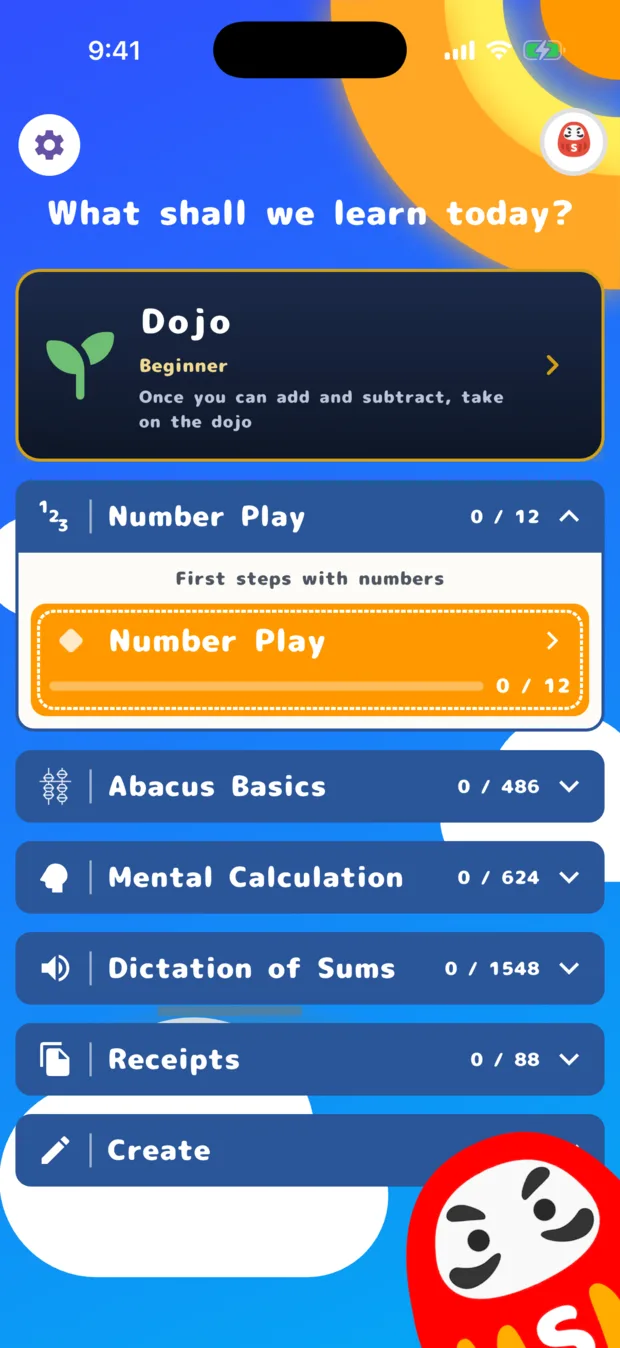
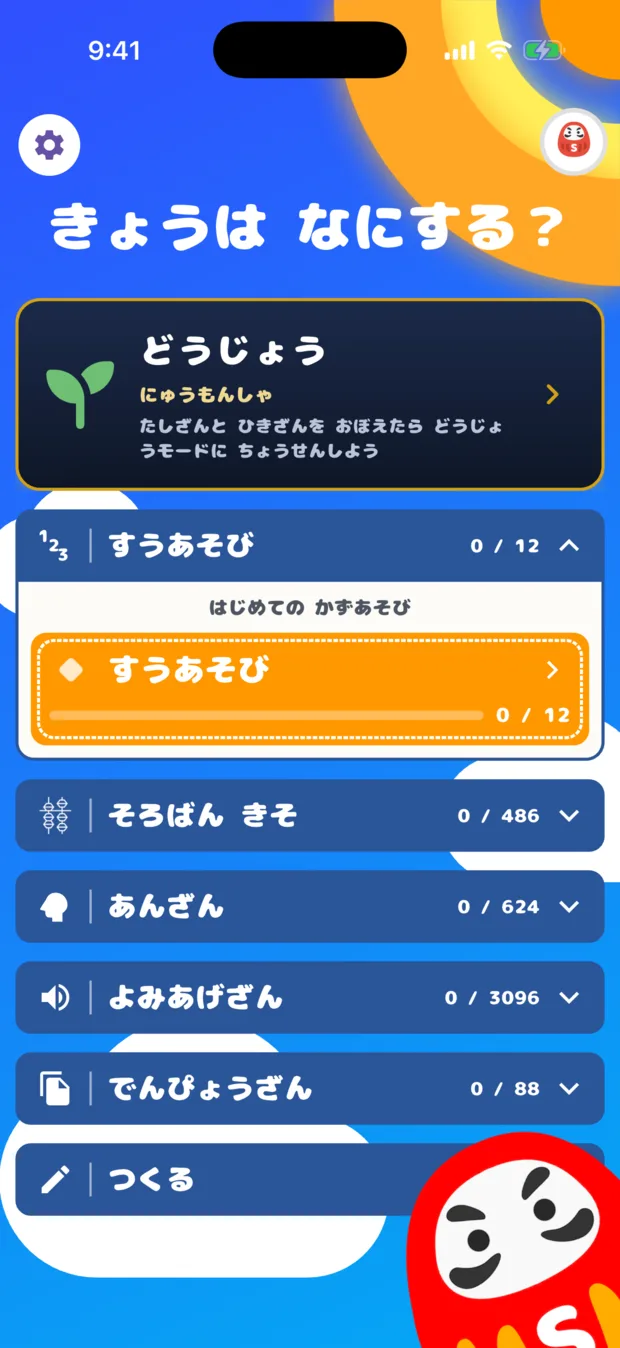
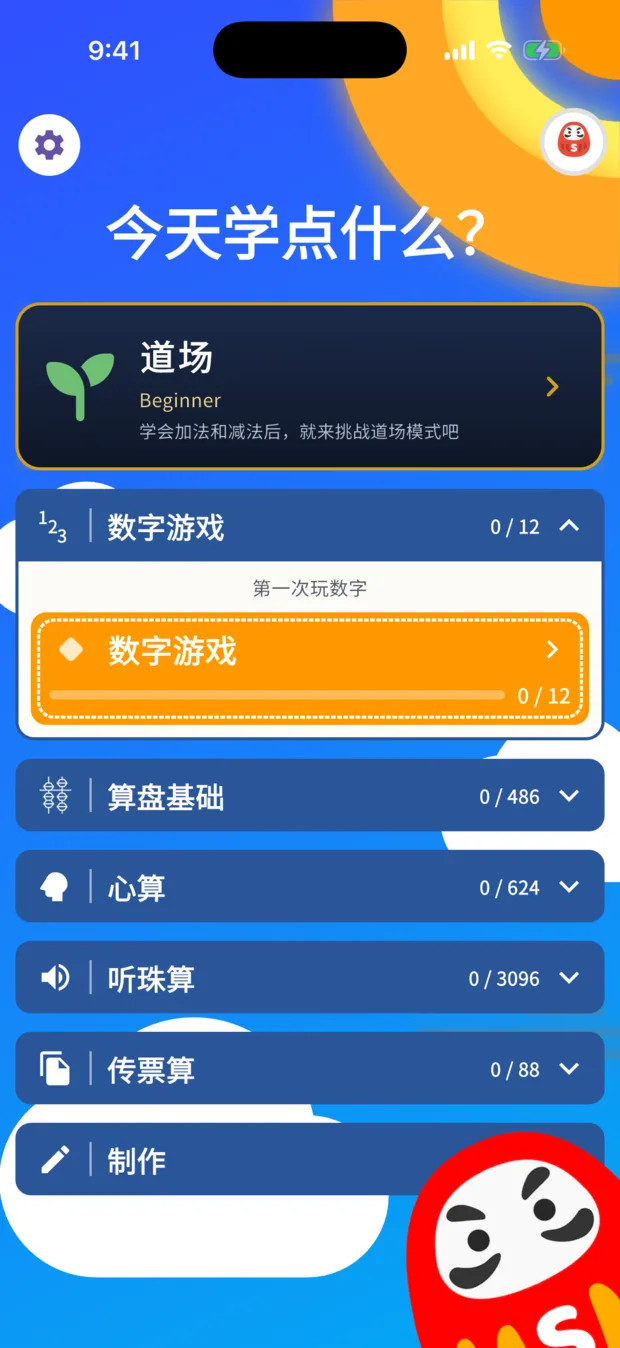
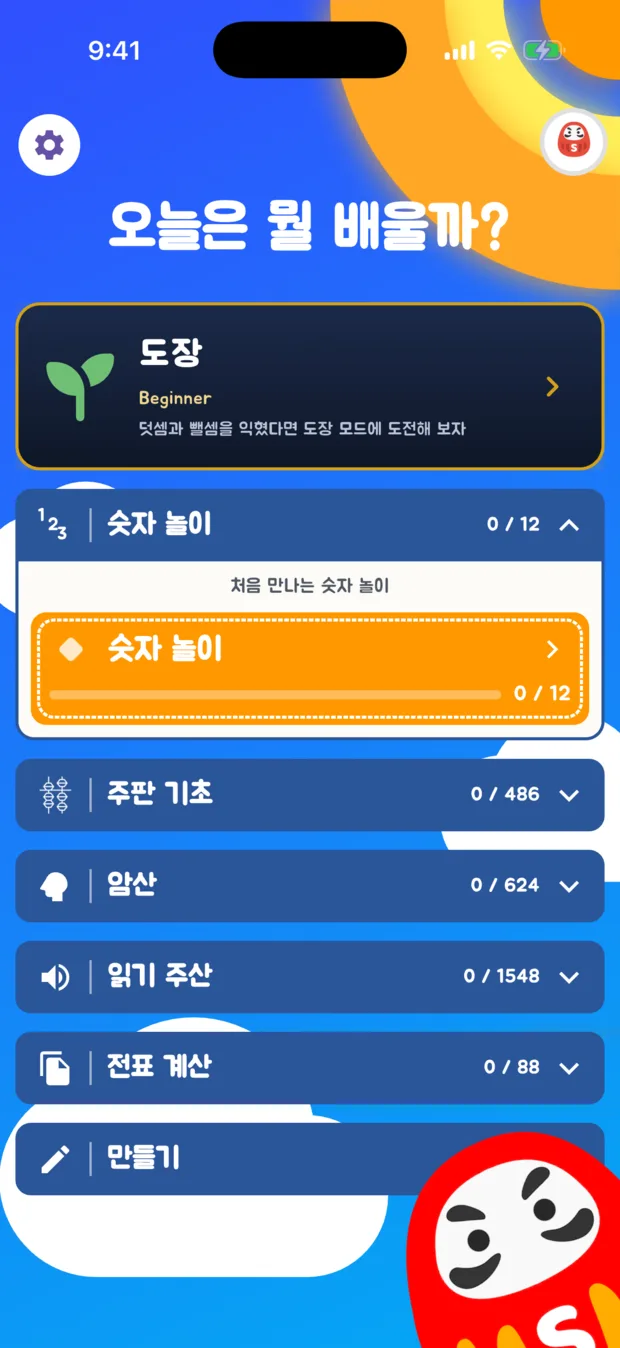
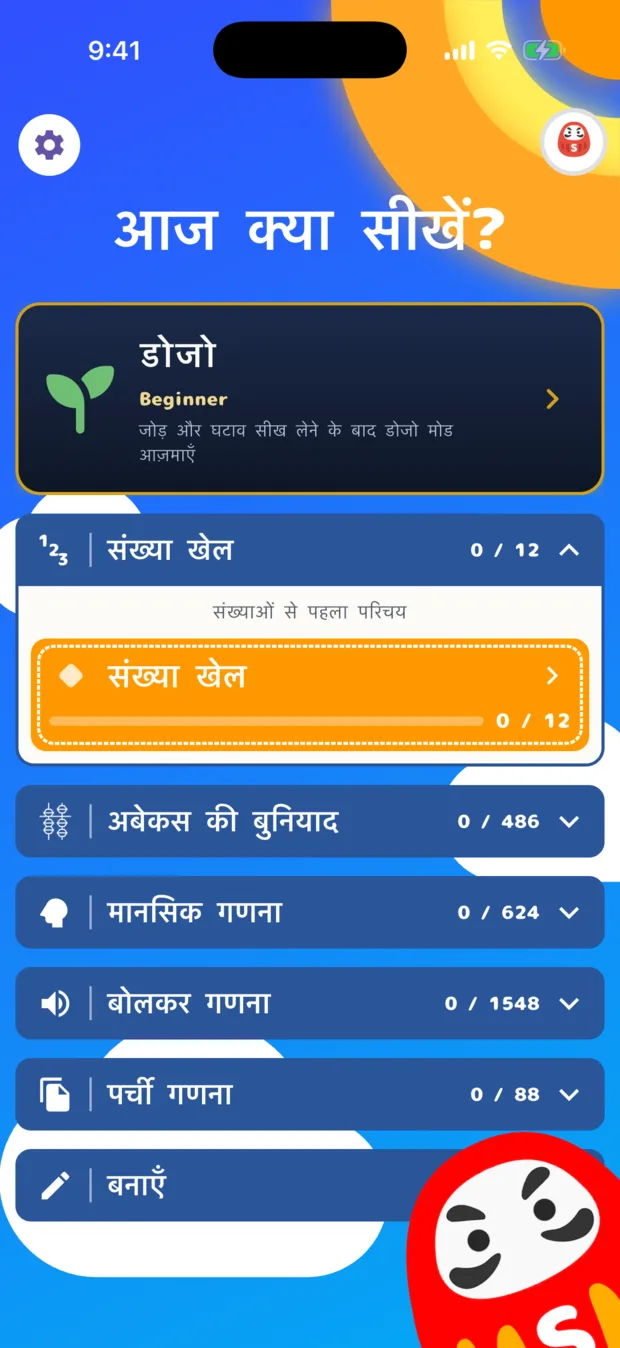
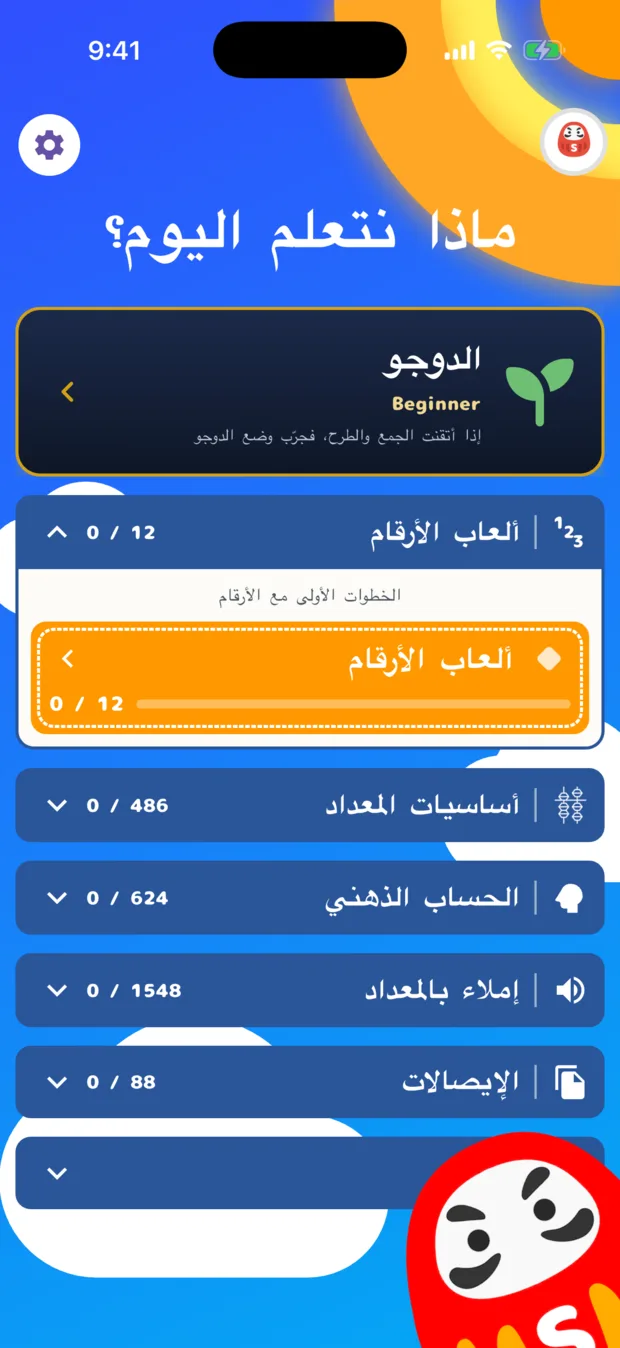
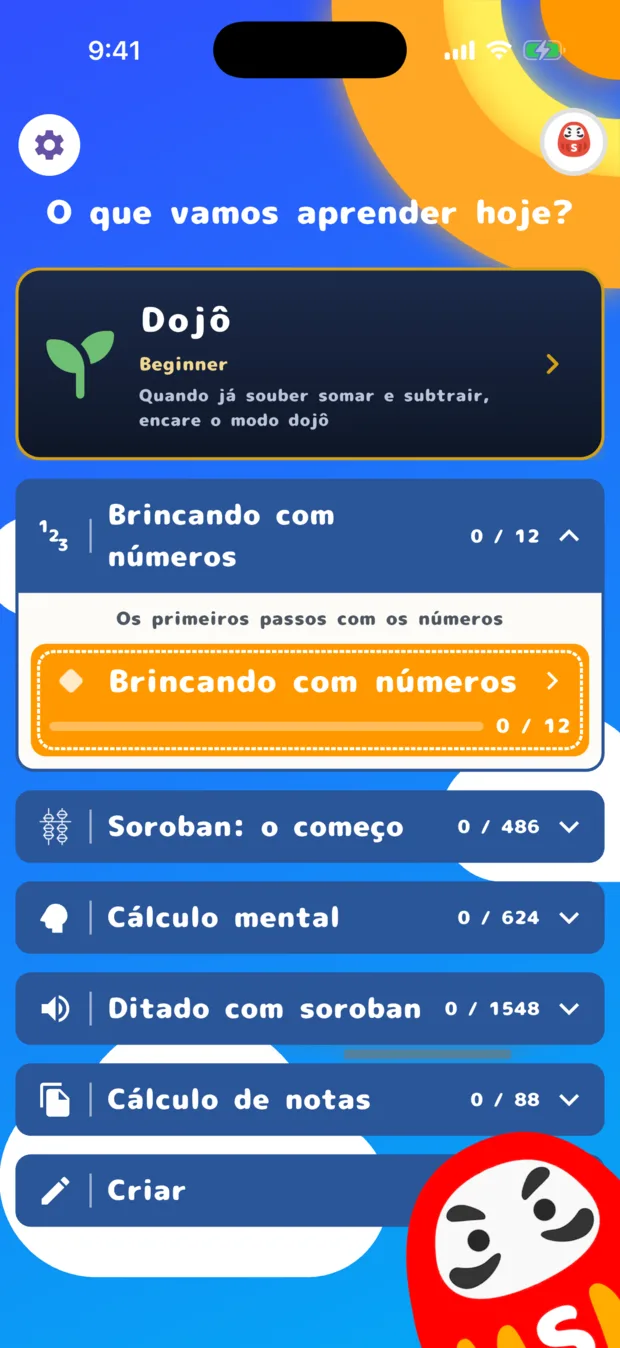
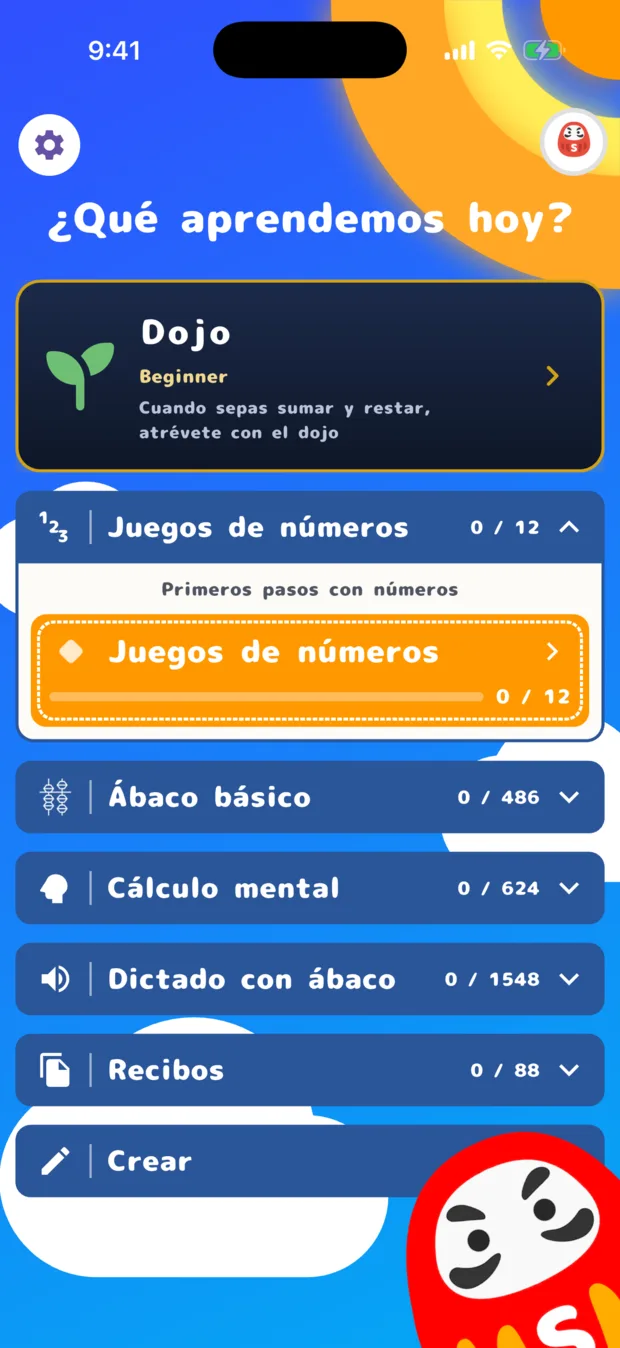
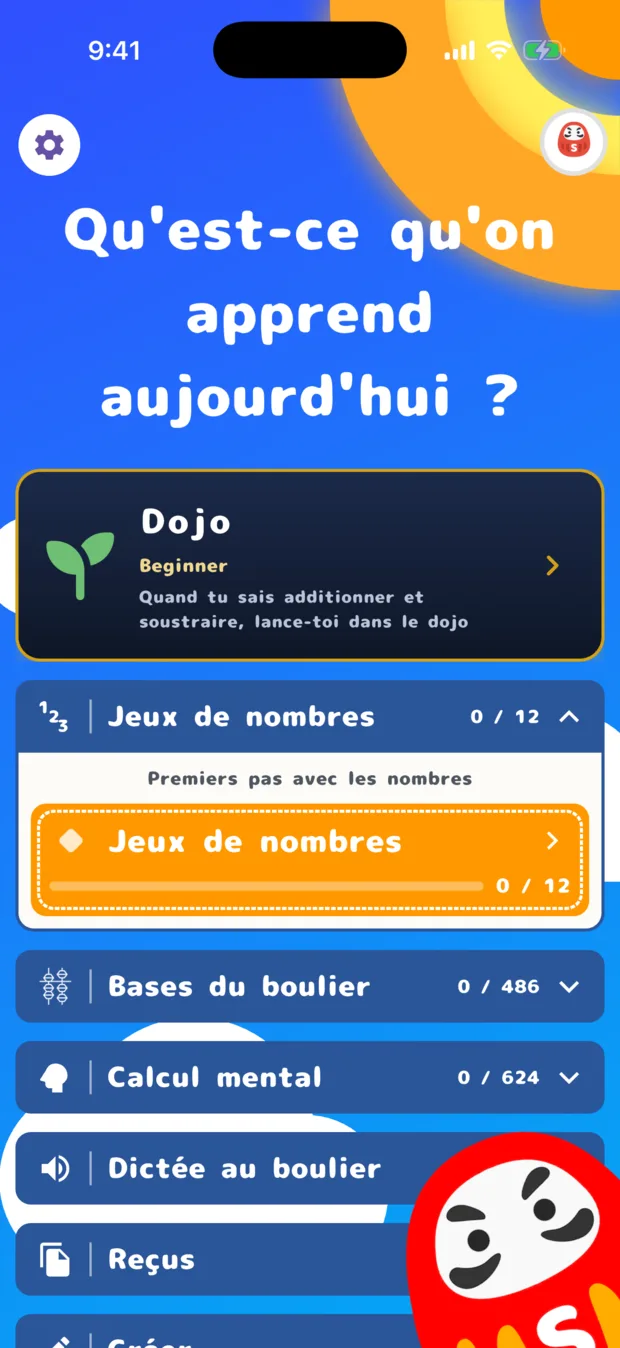
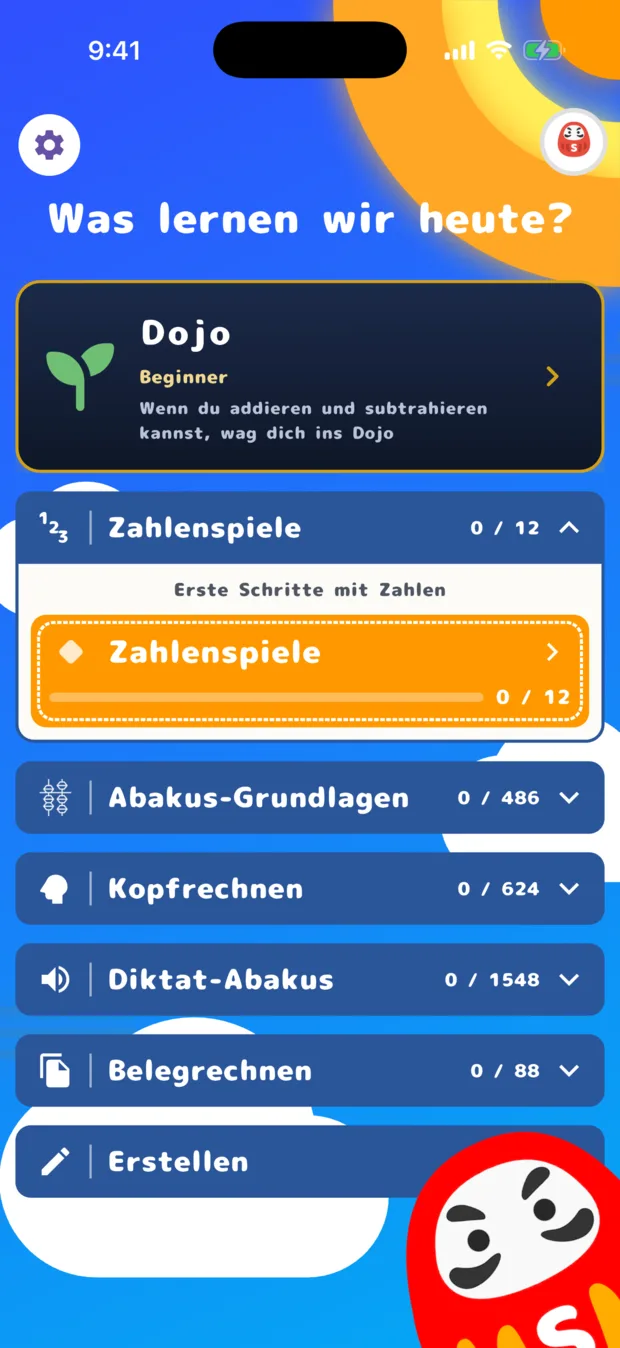
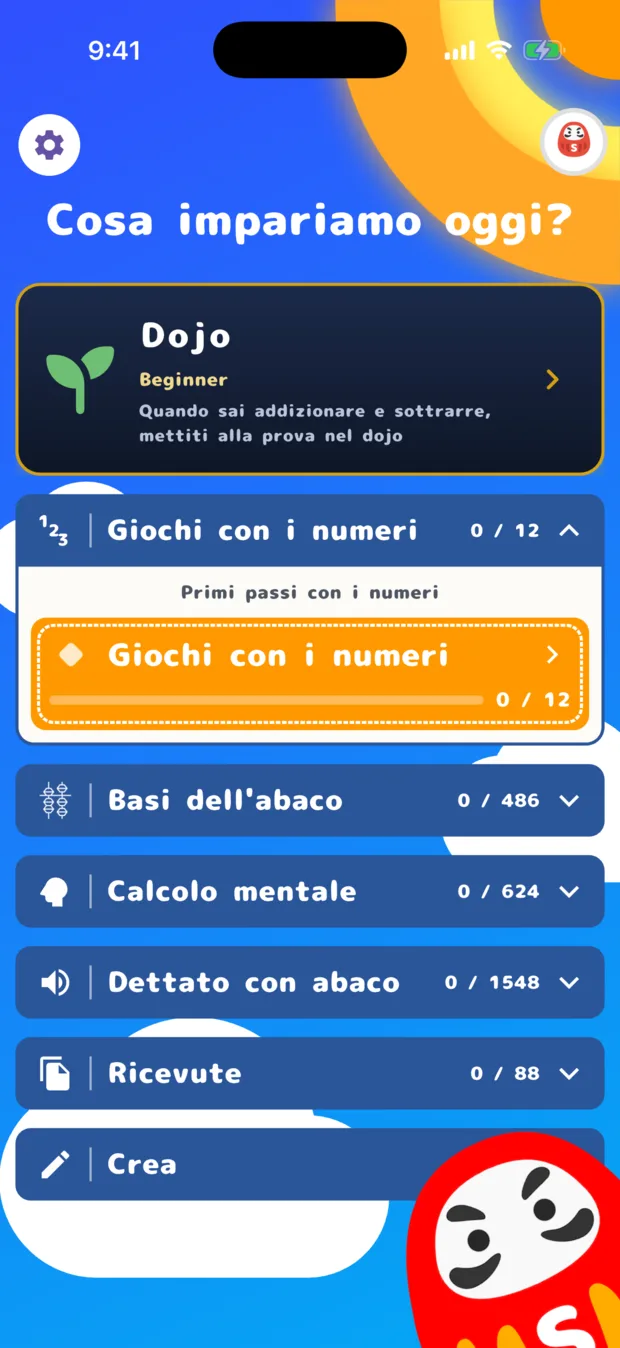
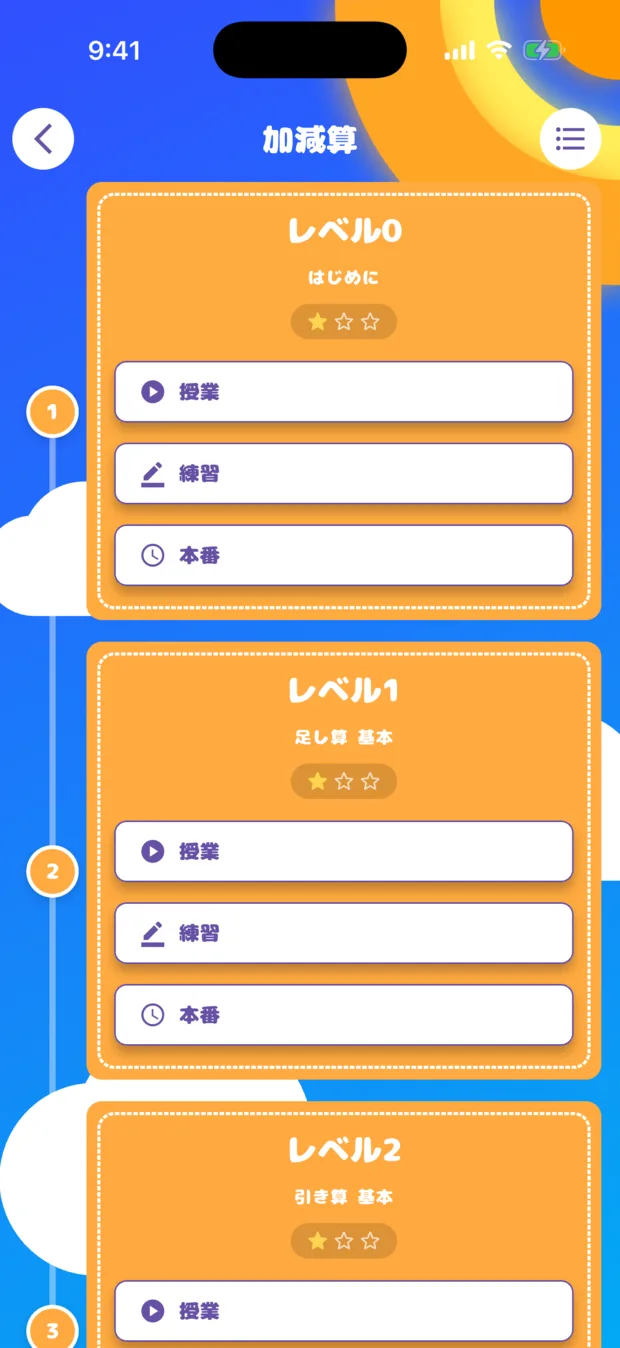
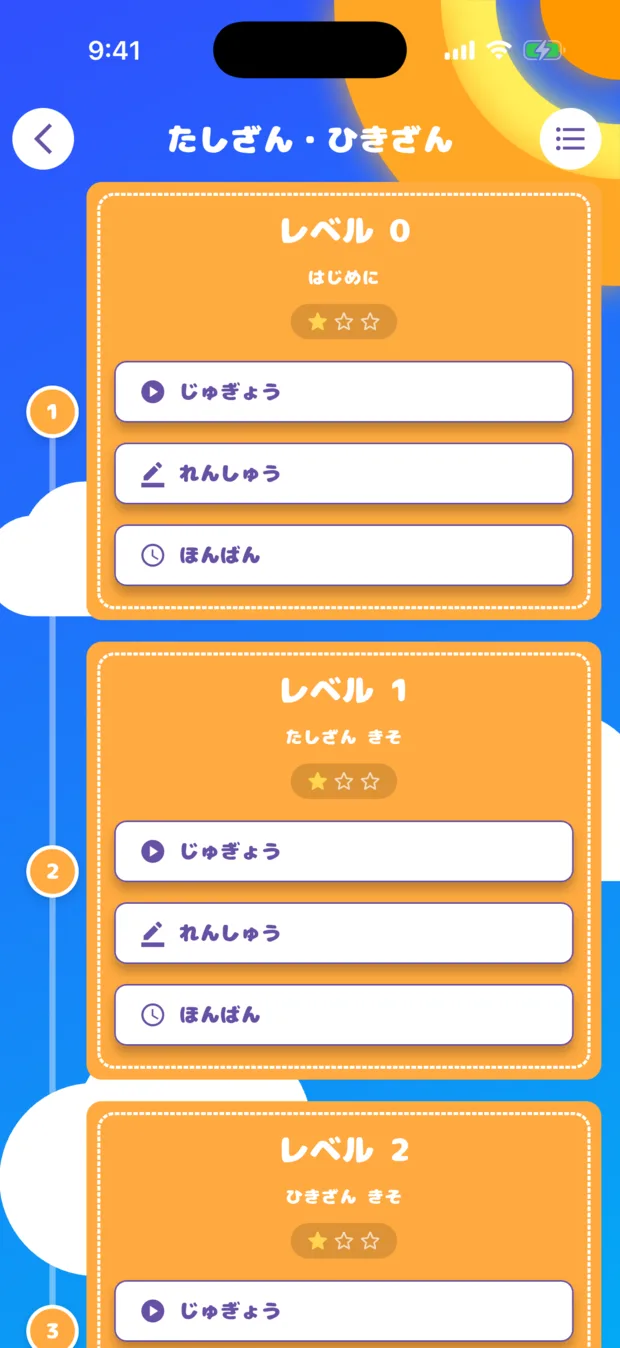
No kanji needed to work alone.
Japanese appears twice in the list: 日本語 (kanji) and にほんご (kana). On the left is kanji, on the right kana. With kana selected, not one kanji appears anywhere.
Children often start the soroban before they learn kanji. A single unreadable word is enough to make a child go and fetch an adult. This removes that.
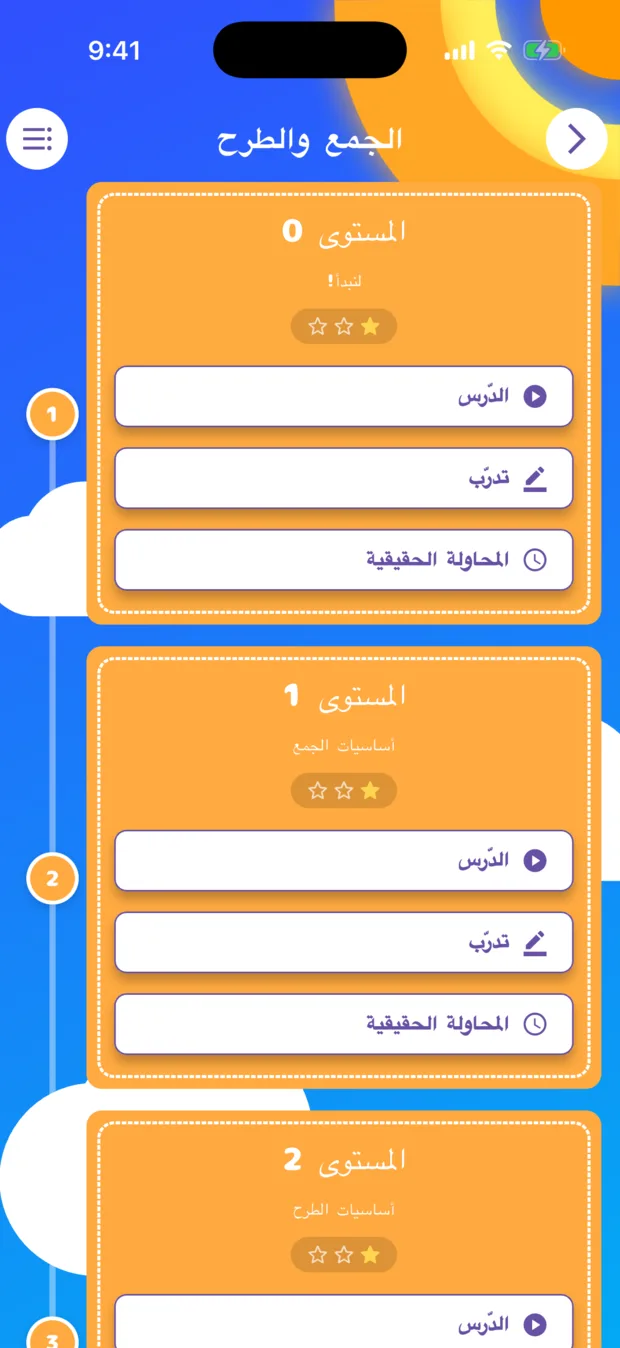
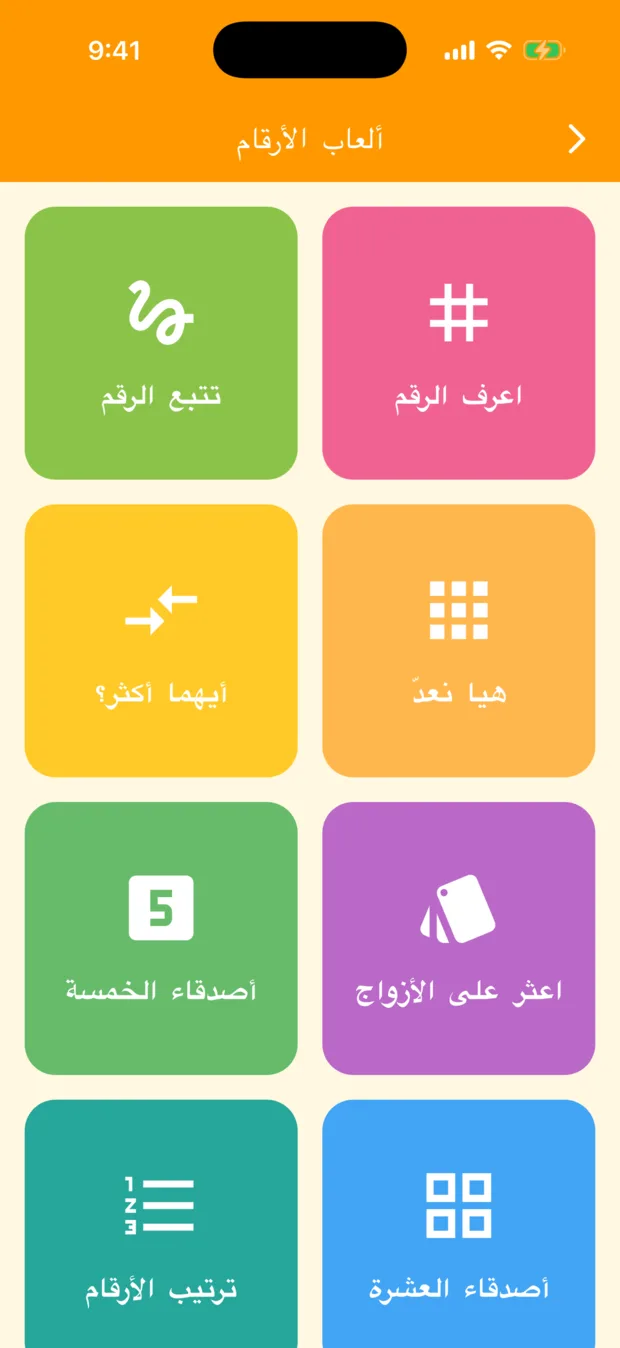
LTR / RTL support
Choosing Arabic does more than translate the words: the screen itself mirrors. Headings, arrows and the order of every list follow the eye of someone reading right to left.
Where there is a voice, it is eleven languages too.
The video lessons, Number Play and Dictation of Sums all speak in every one of the eleven.
| What | Languages | Details |
|---|---|---|
| Interface | 11 | Menus, headings, explanations and the names of every practice type |
| Video lesson audio | 11 | Dubbed, recorded separately per language. Not subtitles |
| Number Play read-aloud | 11 | Uses your device's speech synthesis. Falls back to English where the device has no voice for that language |
| Dictation of Sums audio | 11 | Japanese is VOICEVOX's Chubu Tsurugi; each of the others has its own voice. The menu lists the display language and English |
Three taps.
No new account, no reinstall. Change it as often as you like.
Tap the gear
The settings gear at the top left of the home screen.
Tap the language row
The row at the very top of settings, marked with a globe.
Pick a language
The screen changes the moment you choose. Your progress stays exactly as it was.
About languages.
Does changing the language erase my progress?
Can it differ from my device language?
Are the video lessons subtitled or dubbed?
What is the difference between にほんご and 日本語?
The app meets you in your language.
For families living abroad, and for children who want to learn arithmetic in Japanese.

